Your schedule, dress code and RSVP form have a place here, too.
JPG, PNG or WebP. Up to 2 MB.
The event platformFor your people. For your next idea.
Make it happen.
A place for your event, your invitations and everyone coming.
From a personal occasion to a public gathering.
Your event’s first impression01 — 03
Your invitation
One design. A different feeling.Warm evening
See the whole picture Interactive examples. No invitations are sent.
01 / The organiser’s side
The whole event.
Under control.
Your event website, invitations, guest list and response insights.
One connected place to bring it all together.
Explore an example eventTry the controls below
Creative Circle / Event workspace
PublicIdeas around the table
JUN192027
A creative workshop for curious people. Meet someone new. Make something together.
The shape of the day
- Coffee & introductions
- A hands-on workshop
- Share what you made
In personMake room for new faces.
Publish an event people can discover. Give them the details and a way to join.
- LALilitYou, in the guest example
- AMArpi
- AKAram
- ASAnahit
- NHNarek
- GMGevorg
Bring your guest list together, send invitations and follow each reply. Filter the people you’re still waiting to hear from.
67%have replied
Your invitation, in numbers4 replies.
4 replies.
2 still to come.
Follow the response to your event and see where a personal follow-up might help.
Going2
Maybe1
Awaiting reply2
Not going1
These are invitation responses. Attendance on the day is a separate measure.
Interactive example · Fictional people and events. Nothing is sent.Start your own event
And the part your guests see?Make it feel like your event
02 / The event website
Your event.
Its own identity.
Give your event a beautiful website. Start with a finished design, add your details and make it your own.
Try a live example · Afterglow collection
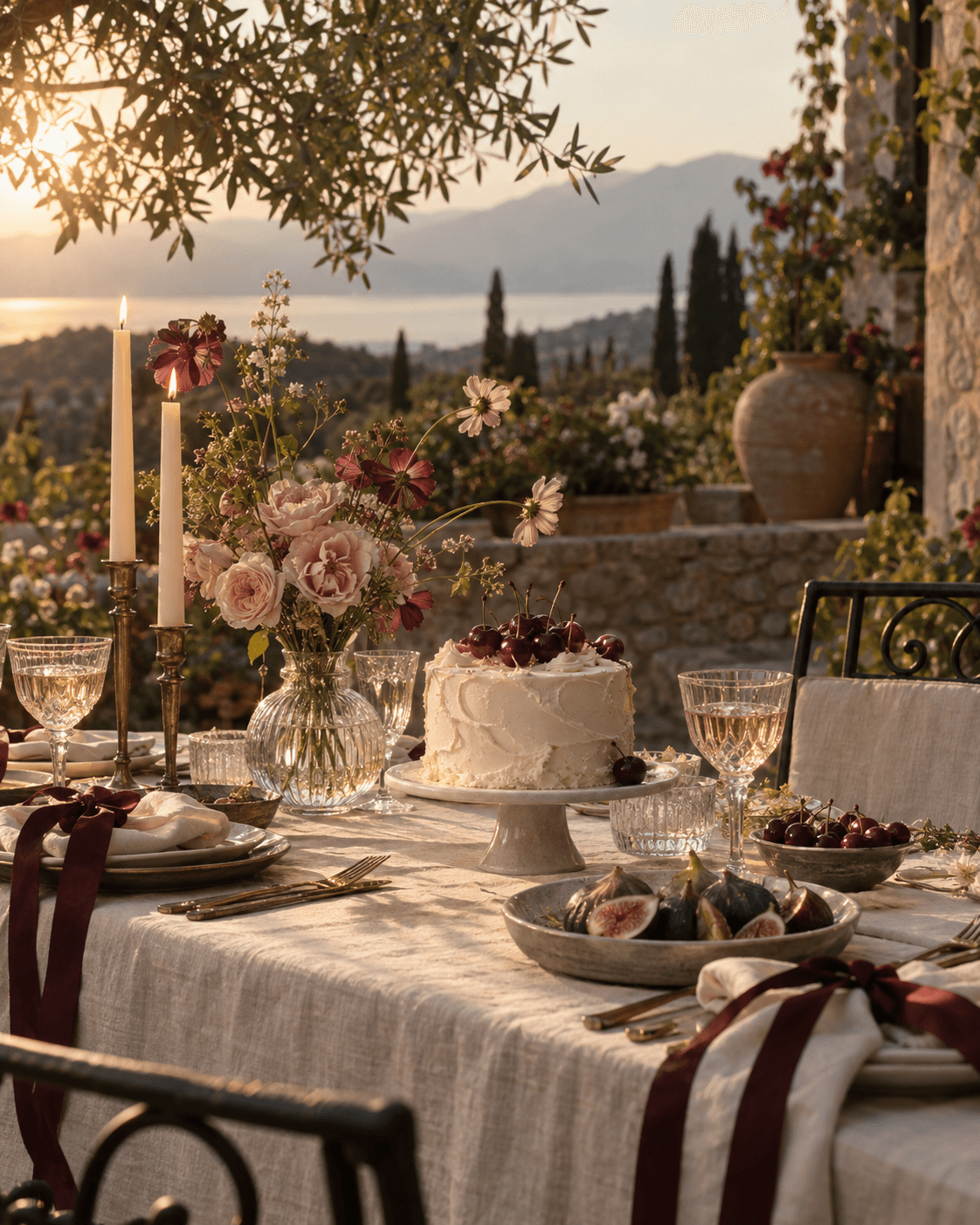
Your invitation already looks the part.
Start with a finished design. Make it your own if you feel like it.
Preparing your invitation…
The character of your headings
Sign up to create your own design Keep a ready-made design or save your own version in your account. Your event’s names, dates and photos are added separately.
One link. Fewer follow-ups.
The plan, directions and RSVP, all together. Guests can open your invitation in their browser.
03 / The participant’s side
Good plans.
Great company.
Discover a public gathering. Open a personal invitation. Keep your upcoming plans and replies together.
This is a connected example. These events are fictional; replies stay on this page and don’t create registrations.
04 / Room for every occasionSmall gatherings.
Small gatherings.
Big possibilities.
01Your own occasion.
Birthdays, weddings & dinners
Give a personal celebration a beautiful home. Share the plan, send your invitations and keep the replies together, so you can spend more time on the people.
Personal designs / Invitations / Guest listStart your event02Your community.
Workshops, meetups & shared interests
Bring people around an idea. Give your public event a page people can discover and share, explain what to expect, and follow the response as your gathering takes shape.
Public events / Registration / Response insightsStart your event03Your organisation.
Company gatherings & client events
Keep your company’s events, invitations and results in one account. Give each occasion its own identity while keeping an overview of what you organise.
Company profile / Multiple events / AnalyticsStart your eventIn development
The next chapter
About access & plans A place for ticketed events, too.
Ticket types, paid entry and payment flows are part of Yevent’s development. Ticket sales and paid checkout are not available yet.
From the first idea
to the people who come.
Before your
next event.
What can I organise with Yevent?
Personal celebrations, community gatherings and company events. Set up a public or private event, give it a website, invite people and keep track of their replies. Events can take place in person or online.
How do the event website and organiser tools fit together?
The website is the part your guests see: your story, schedule, location and RSVP. Your account brings together the events you organise, invitation deliveries, guest responses and analytics.
Can I personalise and reuse a design?
Yes. Start with a ready-made design or create your own version in your design library. Add the names, dates, photos and programme for each event separately.
What is the difference between public and private events?
Public events are intended to be discovered by a wider audience. Private events are organised around your invited guests. You choose the visibility when you create the event.
Do guests need an account?
Guests can open a personal invitation link and send an RSVP without creating an account. Signing in also gives them a personal space for their events and invitations.
Can I sell tickets or purchase a subscription?
Ticket sales, paid checkout and subscription purchasing are still in development. The planned paid offering includes subscription tiers and premium designs. This page does not sell tickets or activate a paid plan.
Are the events and replies on this page real?
They are interactive examples. No invitation is sent and no registration is created. Example replies update only this page; a photo you try stays in your browser session. Example choices are not transferred when you sign up.